Written summary
Charger IP, firmware, breaker size
Smart WiFi Charger Setup Redondo Beach CA connects your Level 2 EV charger to your home network so you can schedule charging, monitor energy use, and claim utility rebates from your phone. We handle the WiFi-connected EV charger installation in Redondo Beach CA for Tesla, ChargePoint, Wallbox, and Emporia units. If your charger drops offline or your app never paired, we fix that the same day.
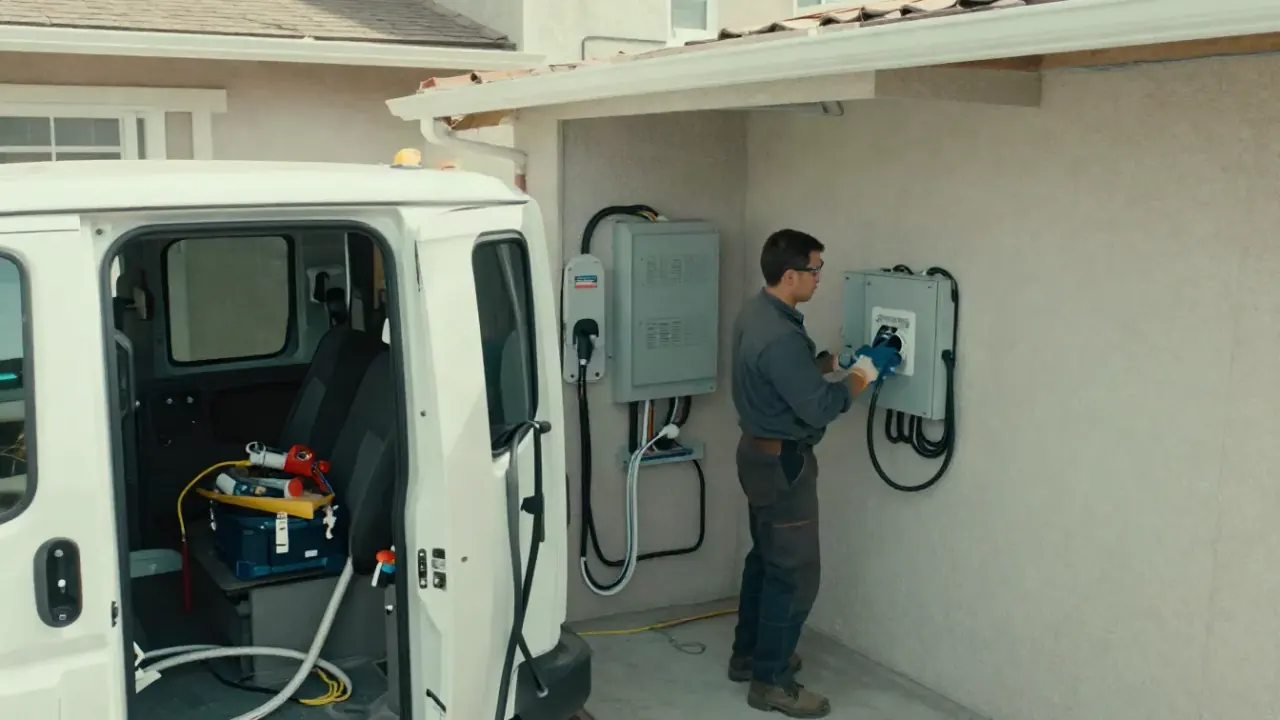
Setup covers the commissioning work that makes your charger a networked appliance. If a new circuit, subpanel, or service upgrade is needed, we quote that separately and upfront. Everything below happens in a single visit in most Redondo Beach garages.
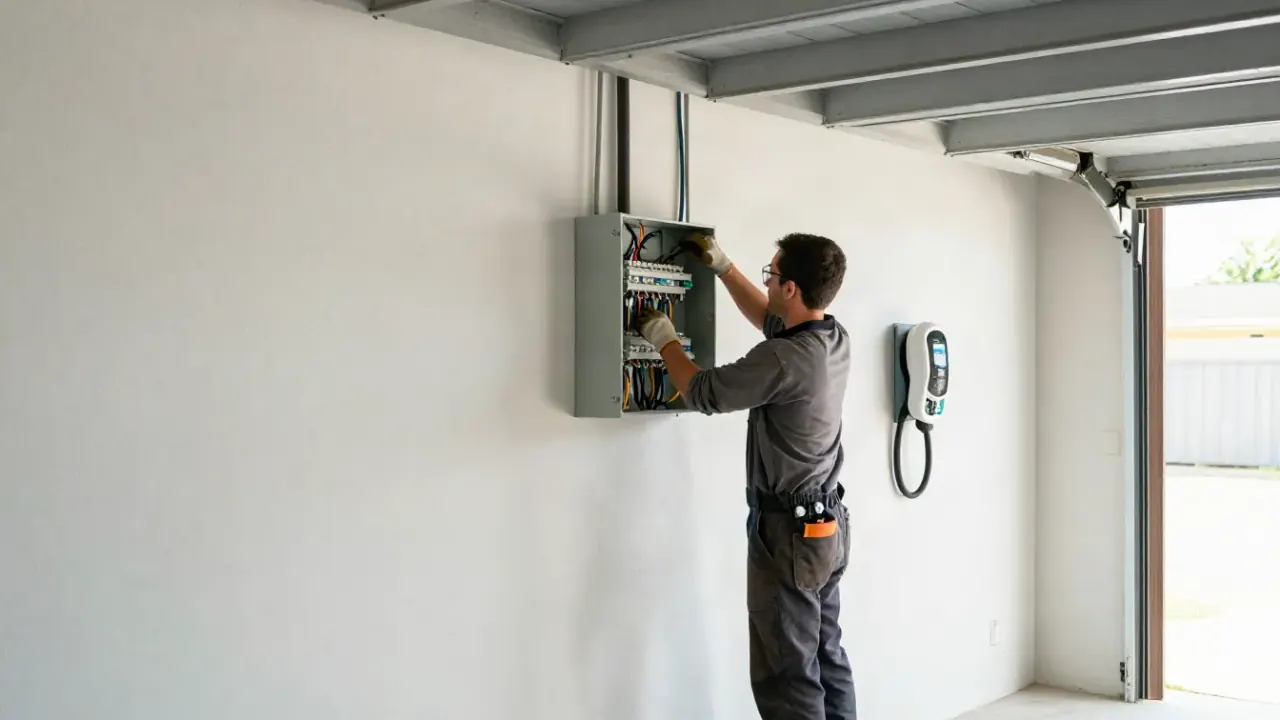
We pair your home charger to your WiFi and walk you through the app so scheduled charging works. If the garage signal is weak, we fix that before we leave.
We commission networked chargers for workplaces and multifamily properties, then configure the cloud dashboard for usage and billing. Property managers get uptime and kWh per unit.
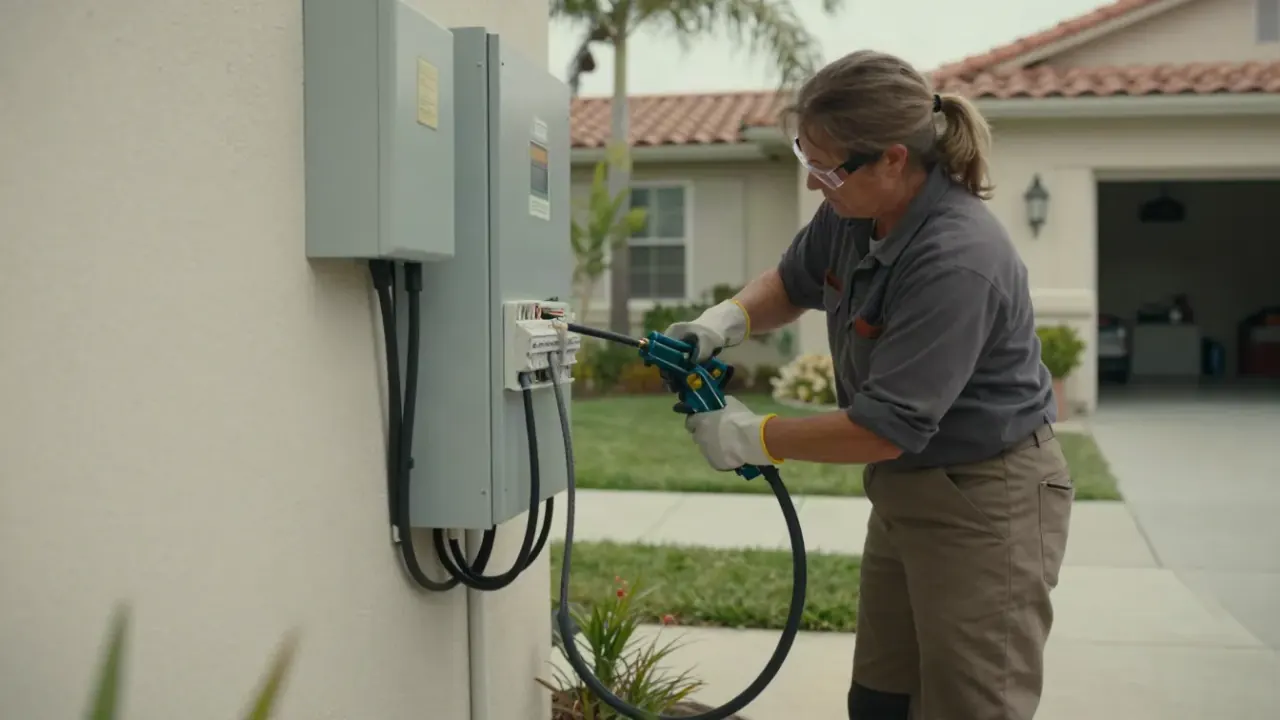
Smart WiFi Charger Setup Redondo Beach CA is the commissioning work that turns a dumb wall unit into a networked appliance: pairing the charger to your 2.4 GHz network, assigning a static IP or DHCP reservation, updating firmware, and verifying the app handshake. We land 6 AWG copper wire on the terminals with a torque screwdriver, check voltage at the 240V circuit breaker with a multimeter, and confirm the unit reports to the cloud before we leave.
Most Redondo Beach homes were built before WiFi was a design requirement, so the garage signal is often weak. We test RSSI at the charger mounting bracket, add a mesh node or conduit-run Ethernet if needed, and re-check after pairing. That is why smart EV charger setup Redondo Beach jobs sometimes take 90 minutes instead of 45. If you want the best smart EV charger setup in Redondo Beach, the network side matters as much as the electrical side.
A charger is only smart if the network side is done right.
Five steps, one visit in most cases. We handle the electrical verification, the network pairing, and the app walkthrough so you leave knowing how to schedule a charge.
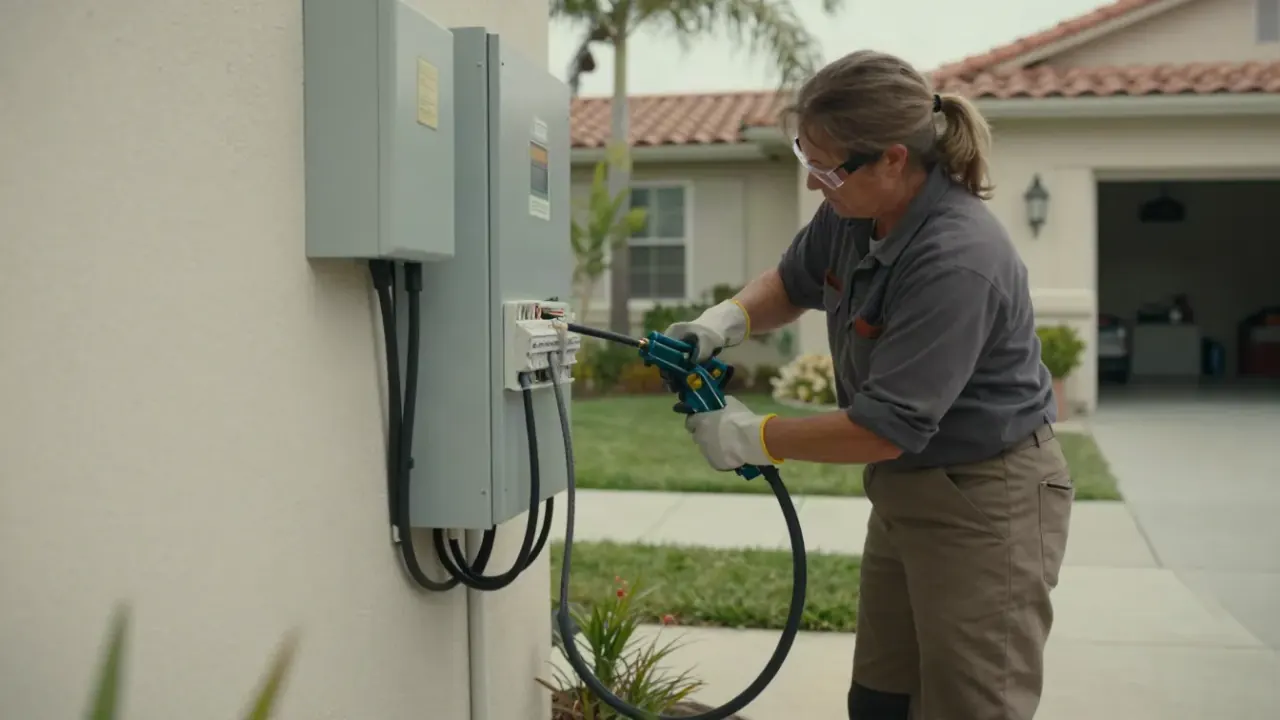
Before we roll, we confirm your charger model, panel size, and router band. Most units need 2.4 GHz, not 5 GHz, and a surprising number of calls trace back to that one detail. We also ask whether the garage shares a wall with the kitchen or a bathroom, since tile and appliances eat signal.
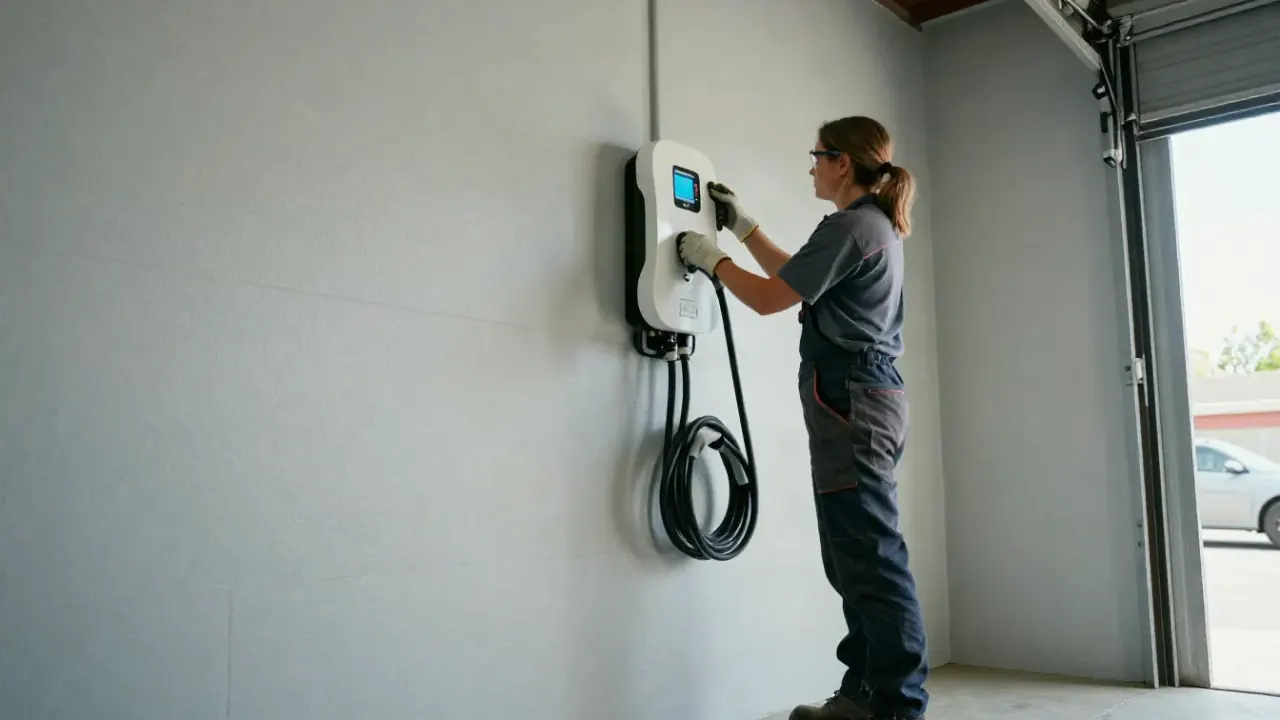
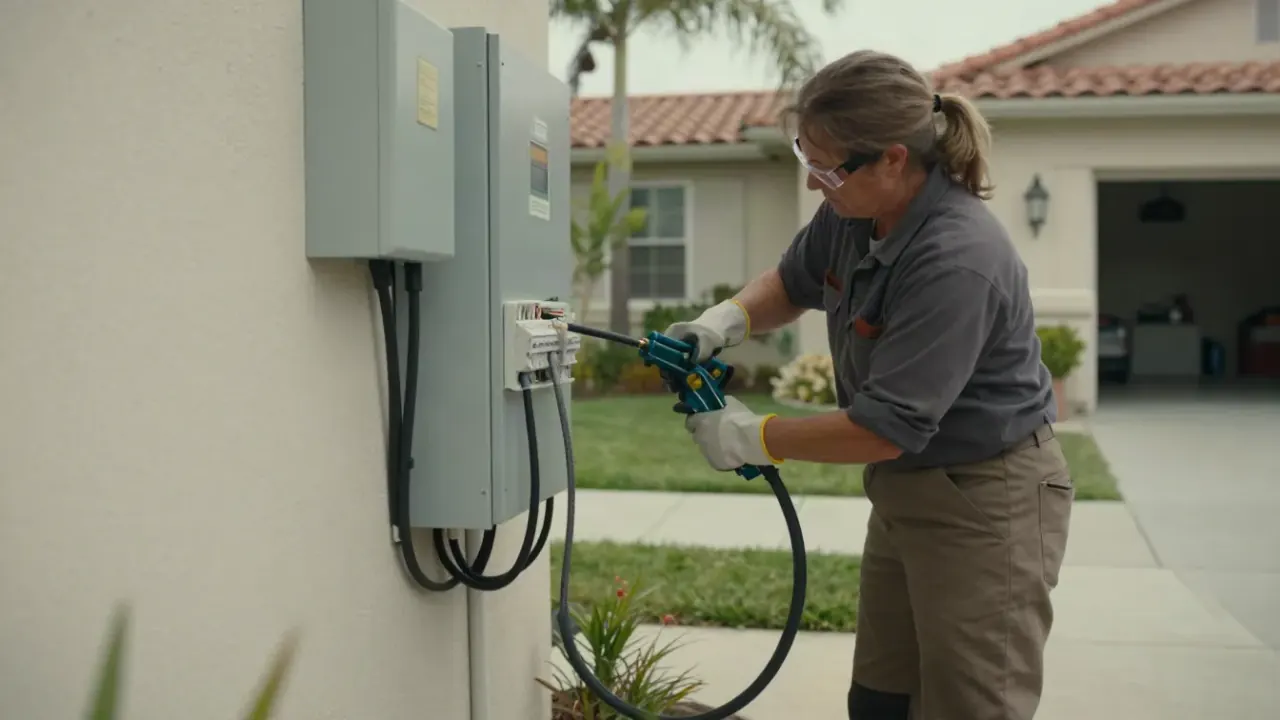
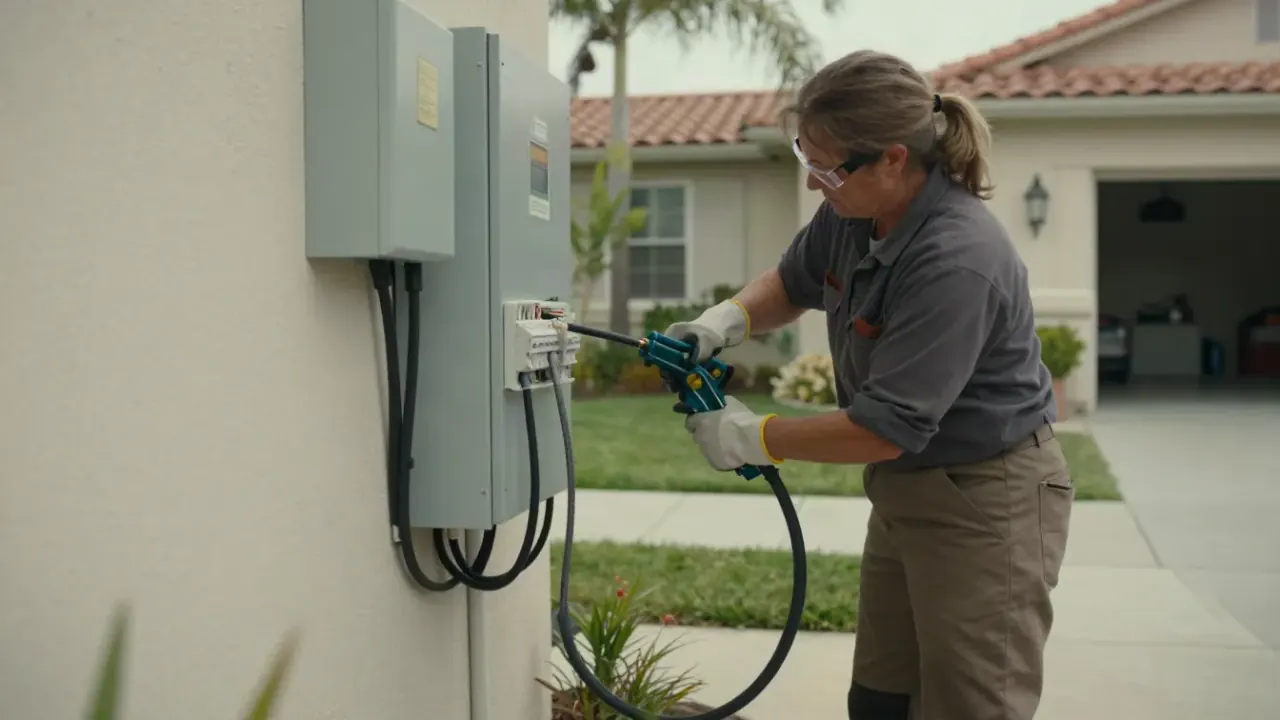
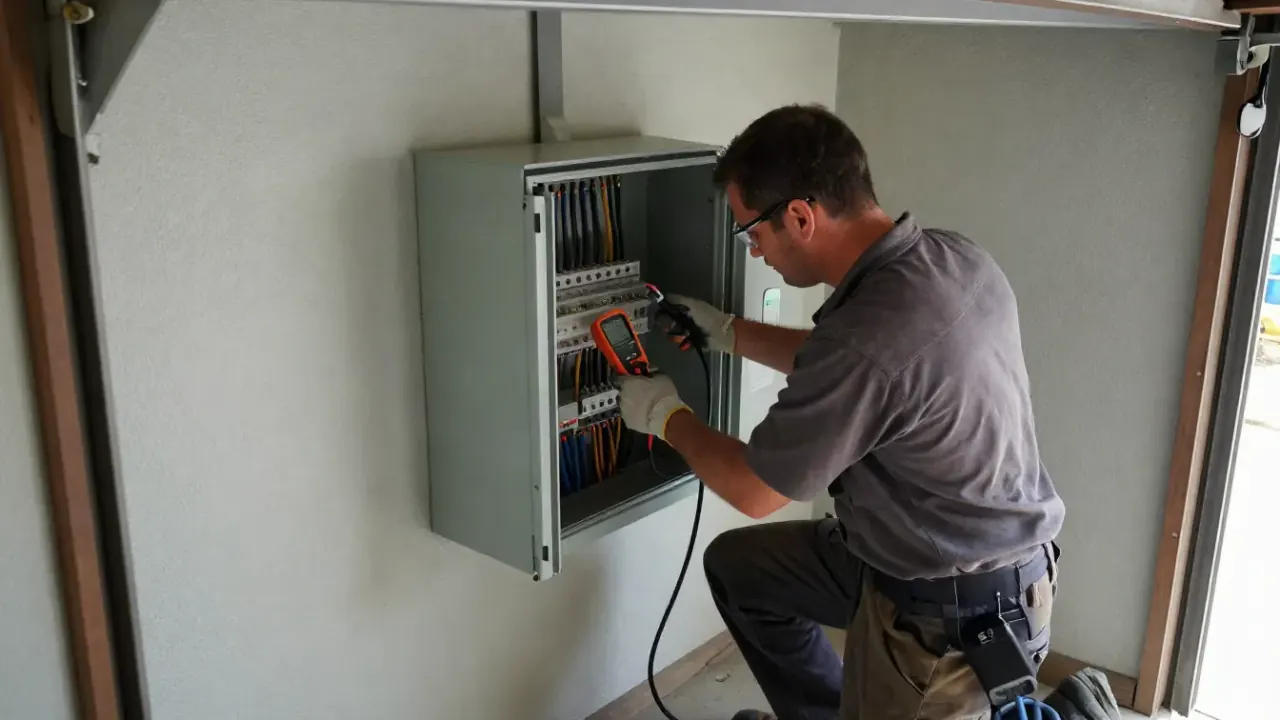
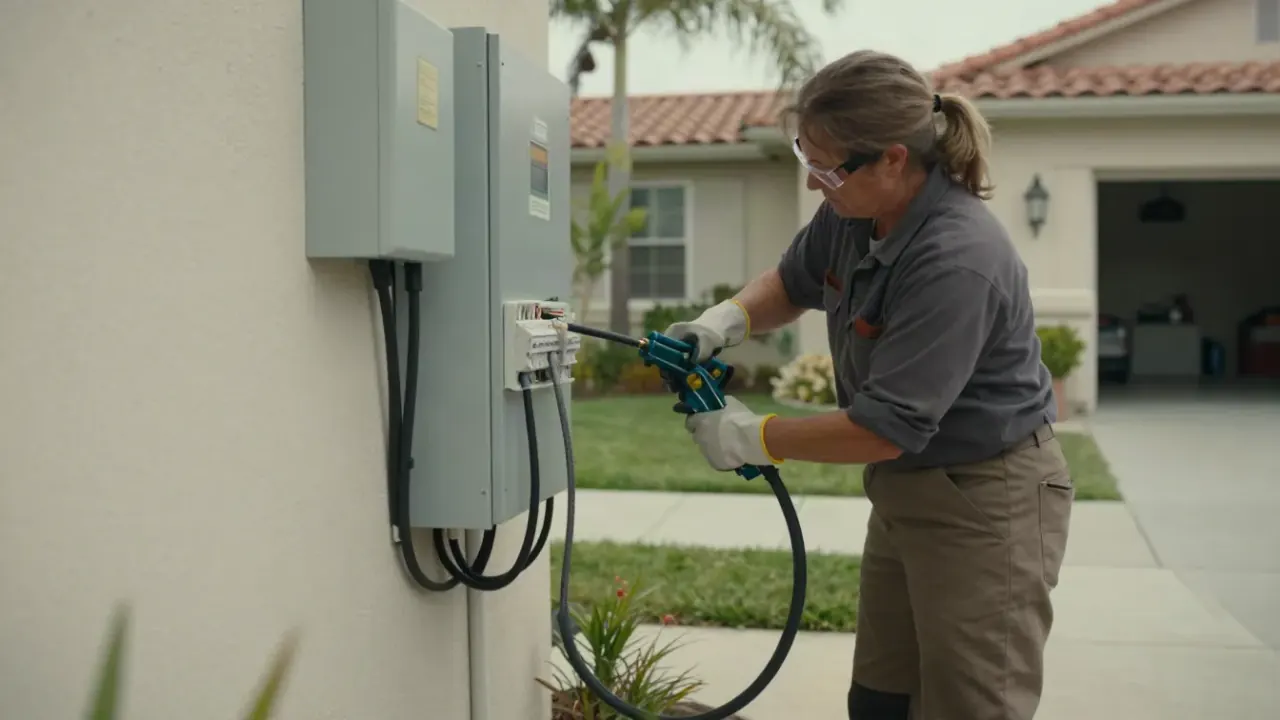
On site we open the panel, verify the 240V circuit breaker size, and check torque on the charger terminals with a torque screwdriver. A multimeter confirms voltage at the unit and we inspect the NEMA 14-50 outlet or hardwired connection for heat damage. This takes 15 to 20 minutes.
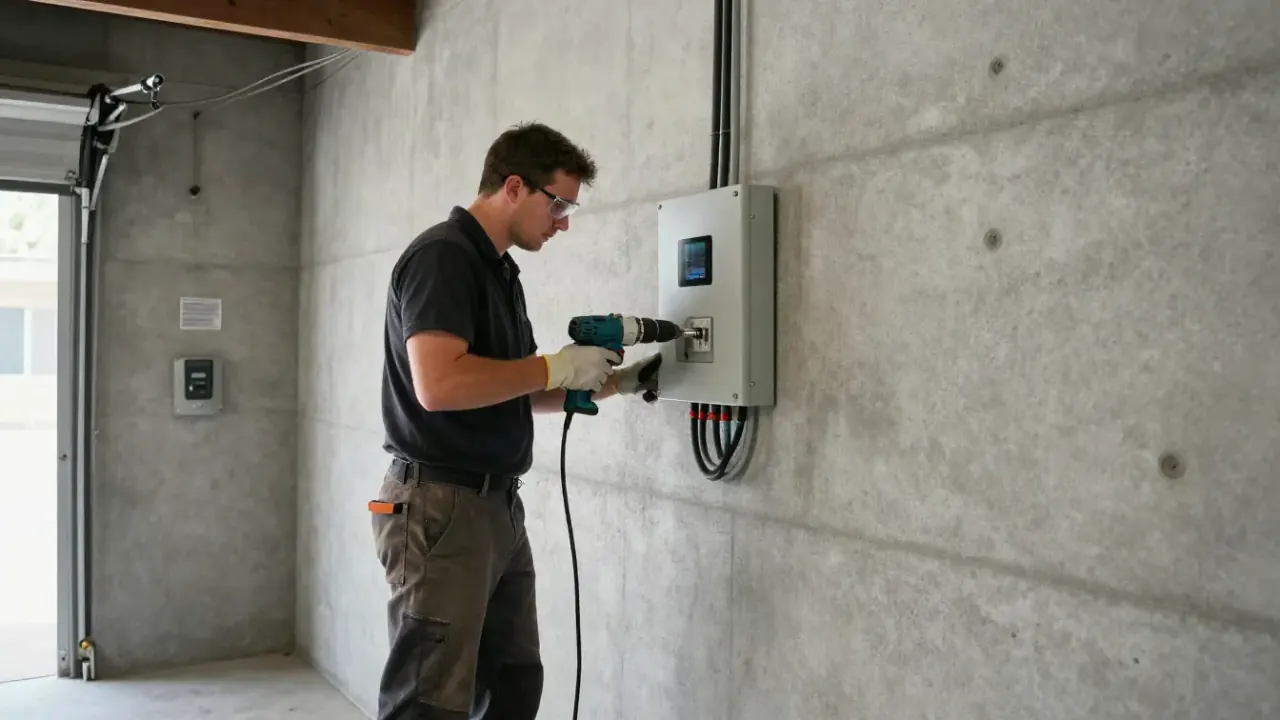
We pair the charger to your WiFi, assign a DHCP reservation so the IP never changes, and run a firmware update if one is pending. If signal is under -65 dBm at the mounting bracket, we add a mesh node or recommend a conduit-run Ethernet drop. Pairing itself takes 10 to 15 minutes.
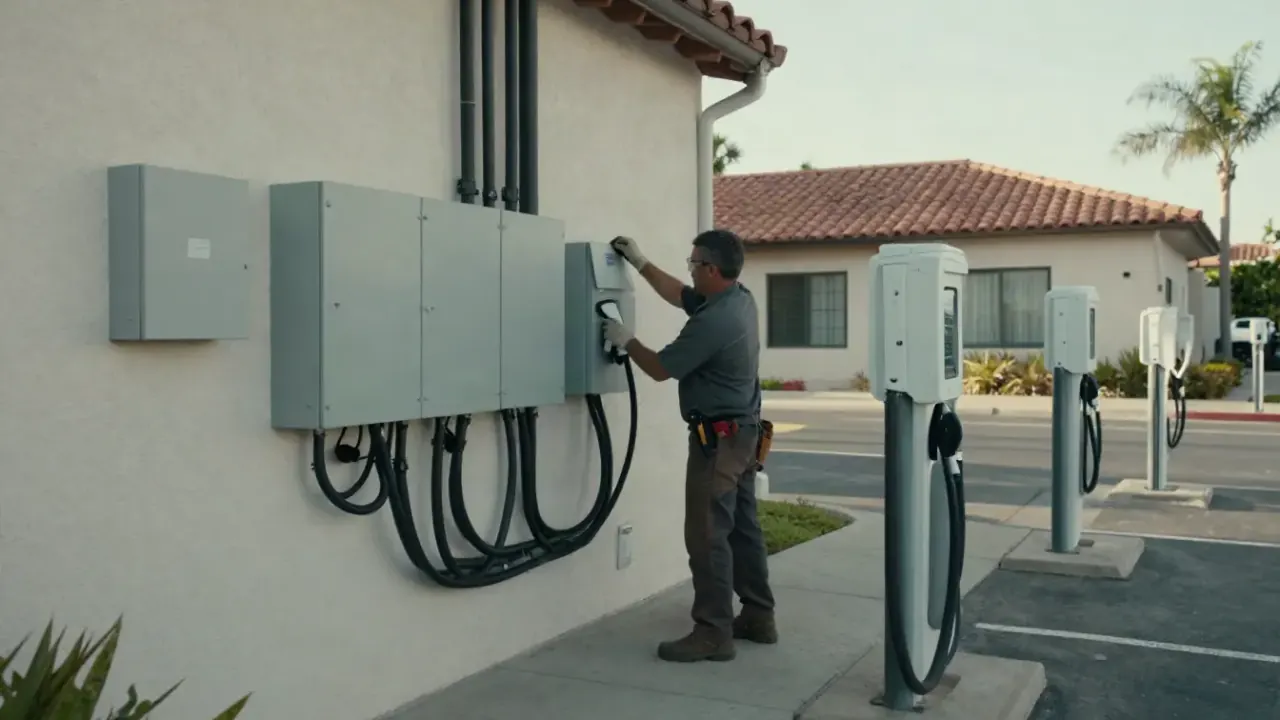
You get a hands-on tour of the app: how to set a TOU schedule, how to start and stop a session, how to read kWh history, and where the fault log lives. We stay until you can do it yourself. Most customers are comfortable in under 10 minutes.
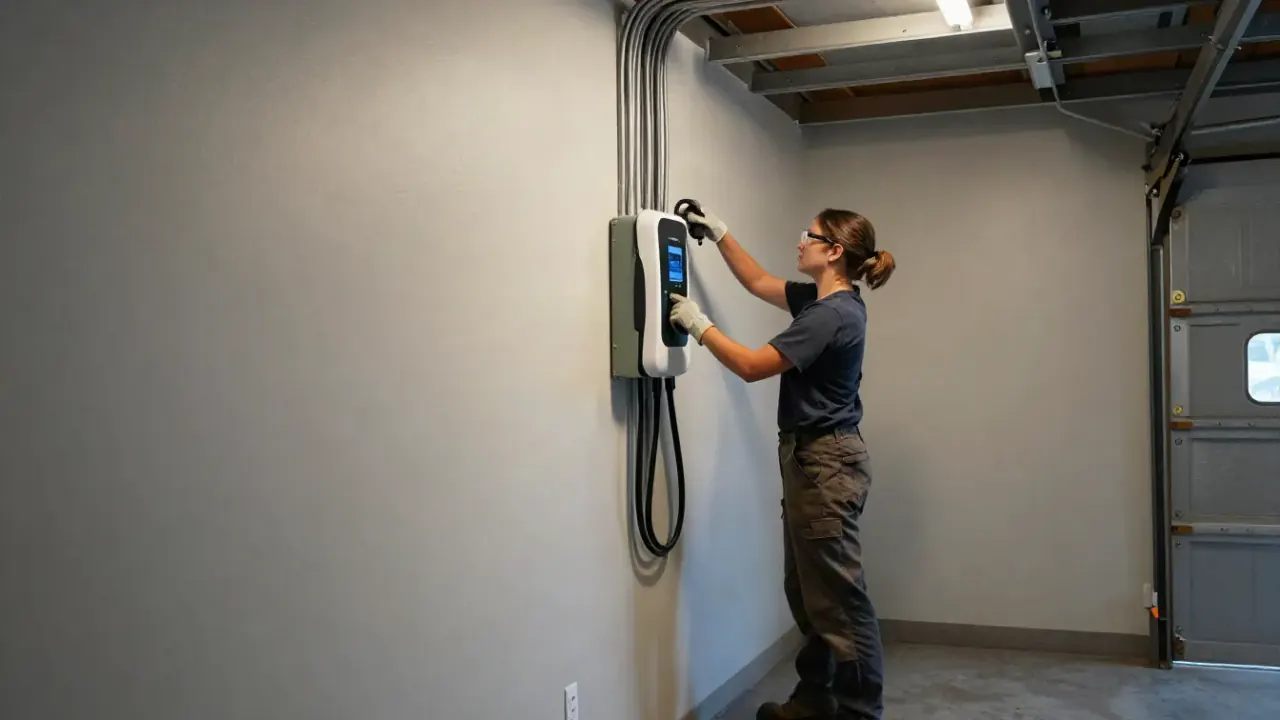
We run a 20 to 30 minute charge session and watch amperage, voltage, and temperature. If the charger overheats or the GFCI breaker trips, we troubleshoot on the spot. You get a written summary with the charger IP, firmware version, and the date of the next filter check.
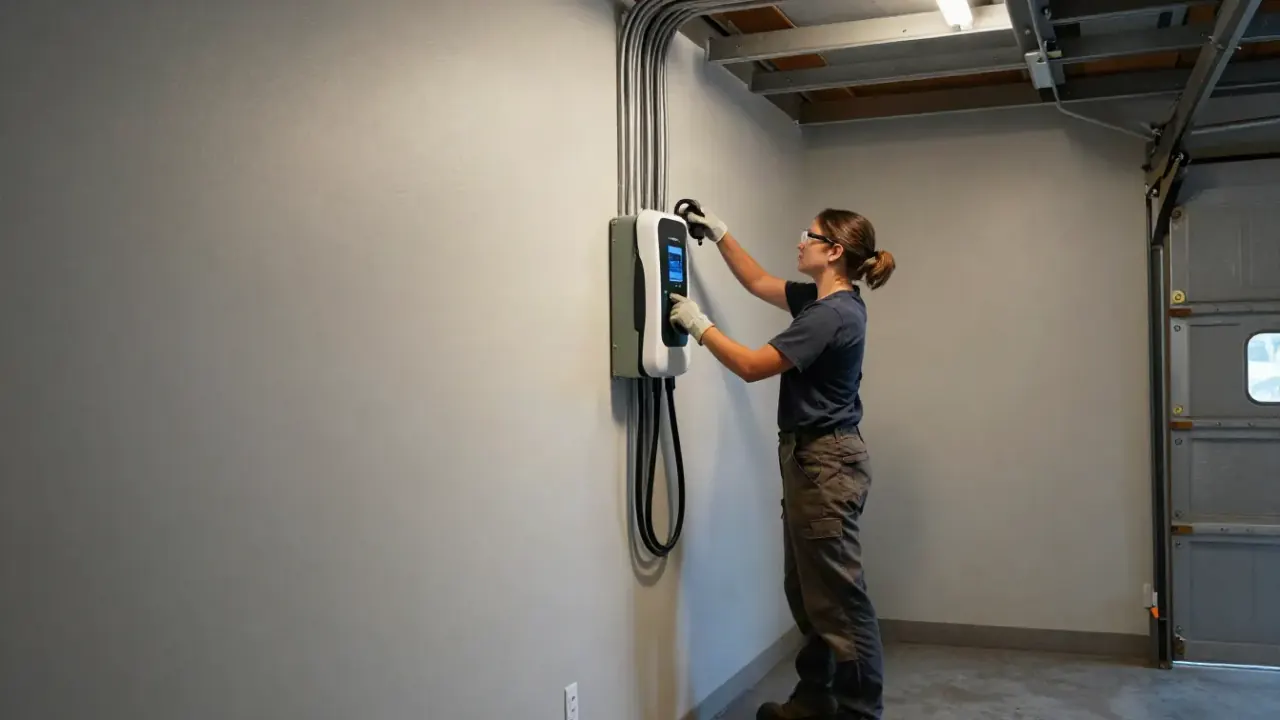
Used to land charger terminals to manufacturer spec. Under-torqued lugs cause overheating and voltage drop; over-torqued lugs strip threads. We check every connection before sign-off.
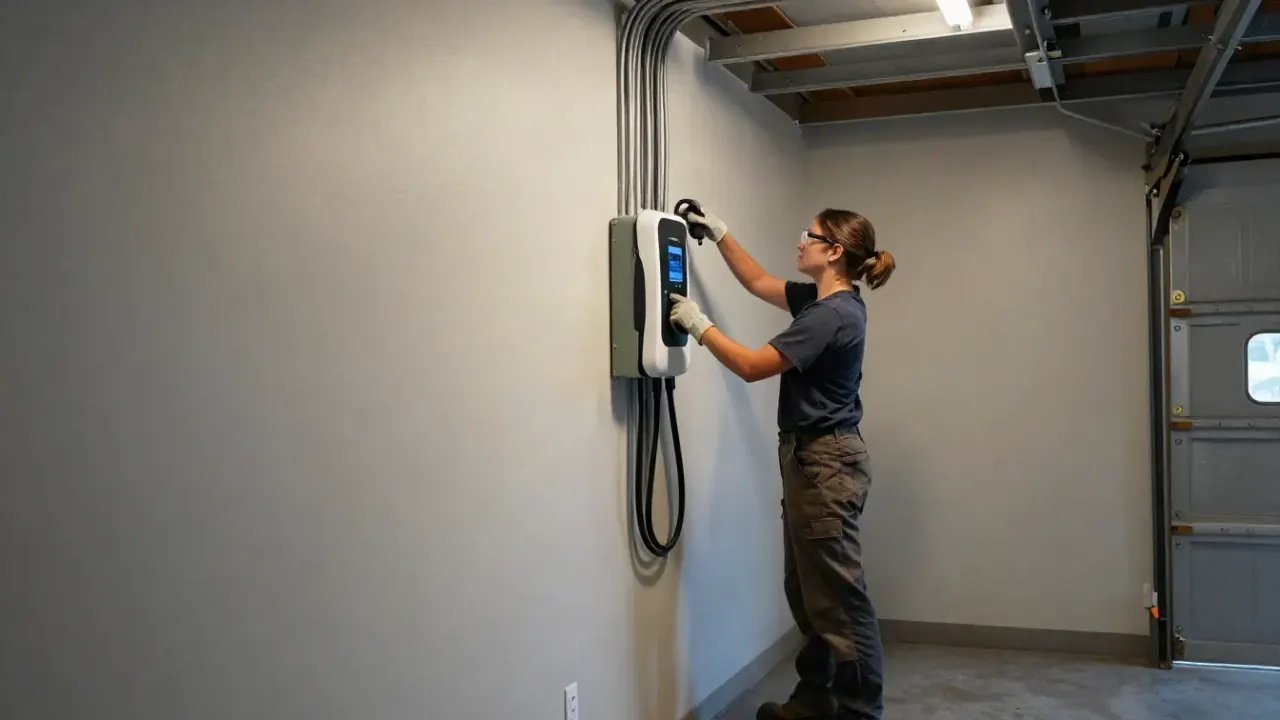
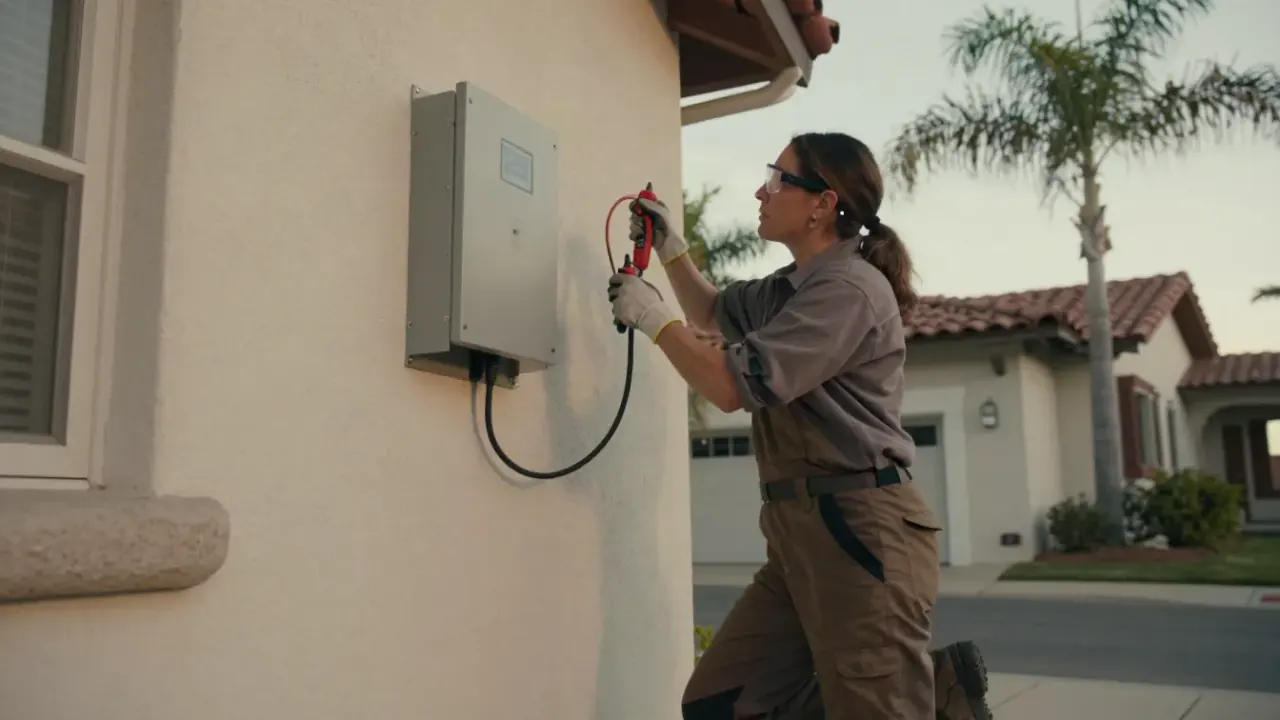
Confirms voltage at the 240V circuit breaker and at the charger terminals. Also used to check for ground faults and to verify the pilot signal on the connector.
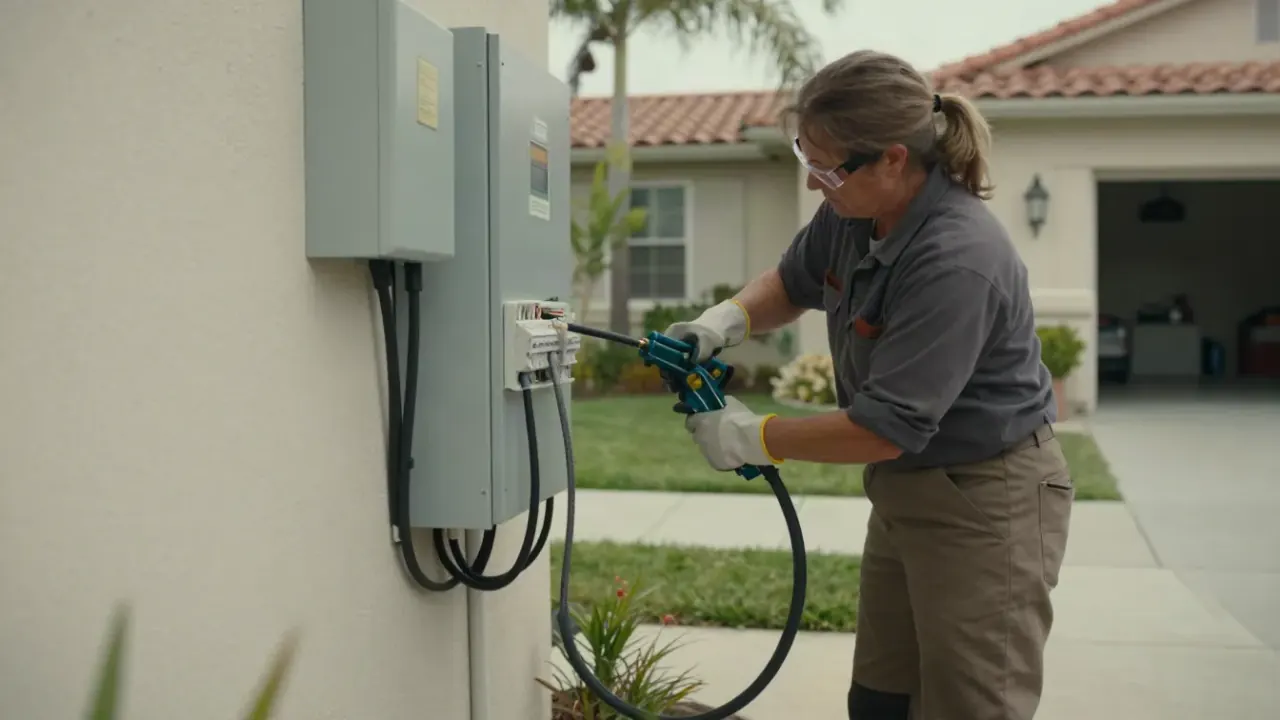
Measures RSSI and channel interference at the charger mounting bracket. Anything under -65 dBm gets a fix before we pair the unit to your network.
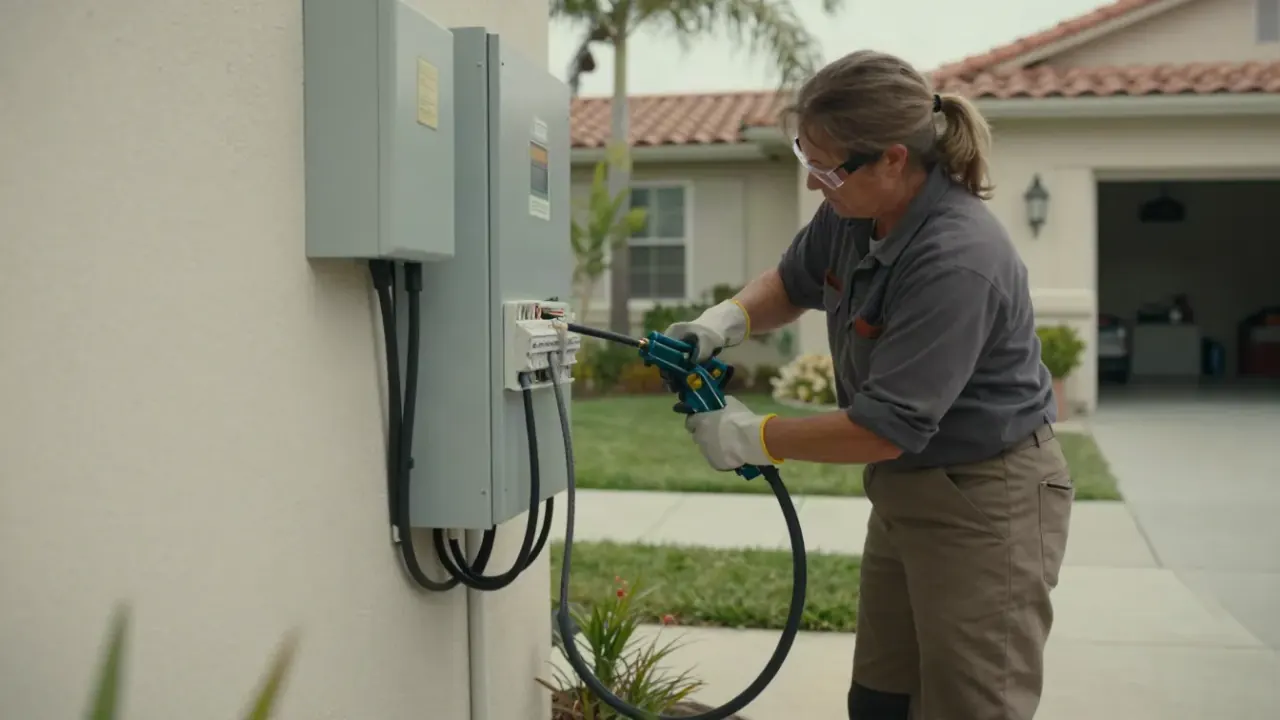
Prepares 6 AWG and 8 AWG copper wire for clean terminations and secures the cable at the charger and junction box so vibration does not loosen connections over time.
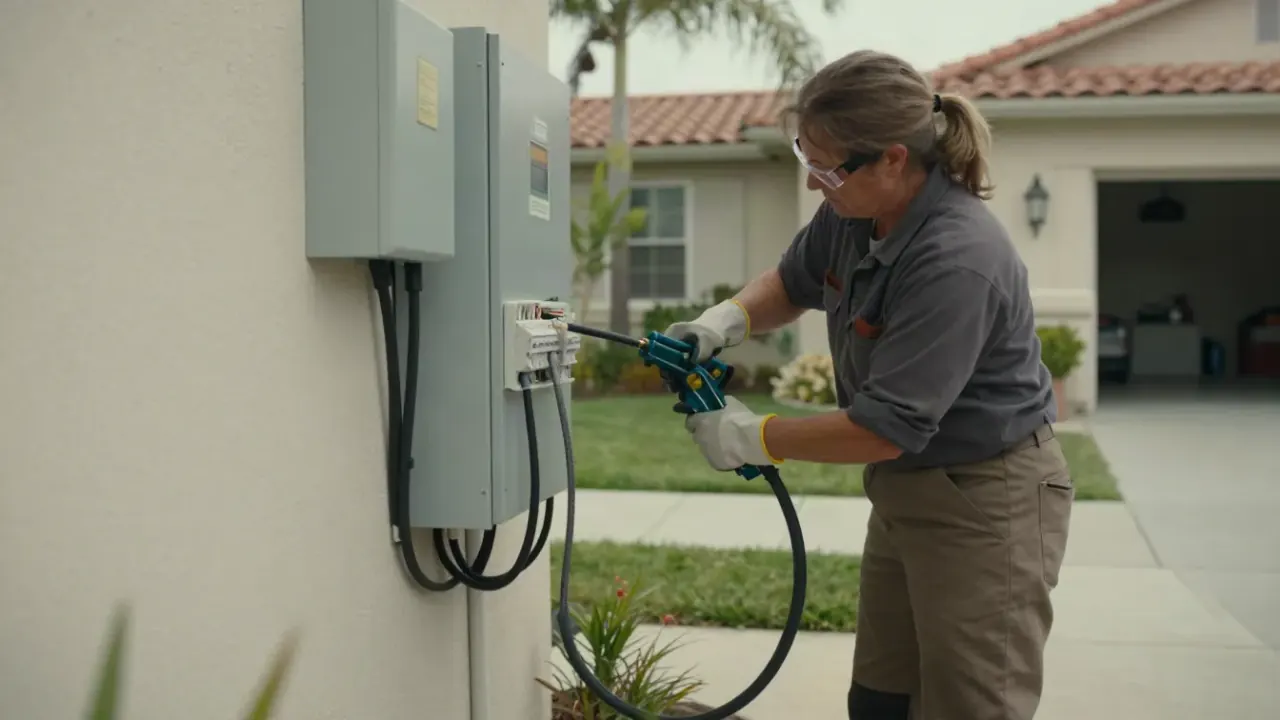
Protects the 240V circuit run from the panel to the charger. In detached garages we also use conduit for an Ethernet drop when WiFi signal cannot be fixed with a mesh node.
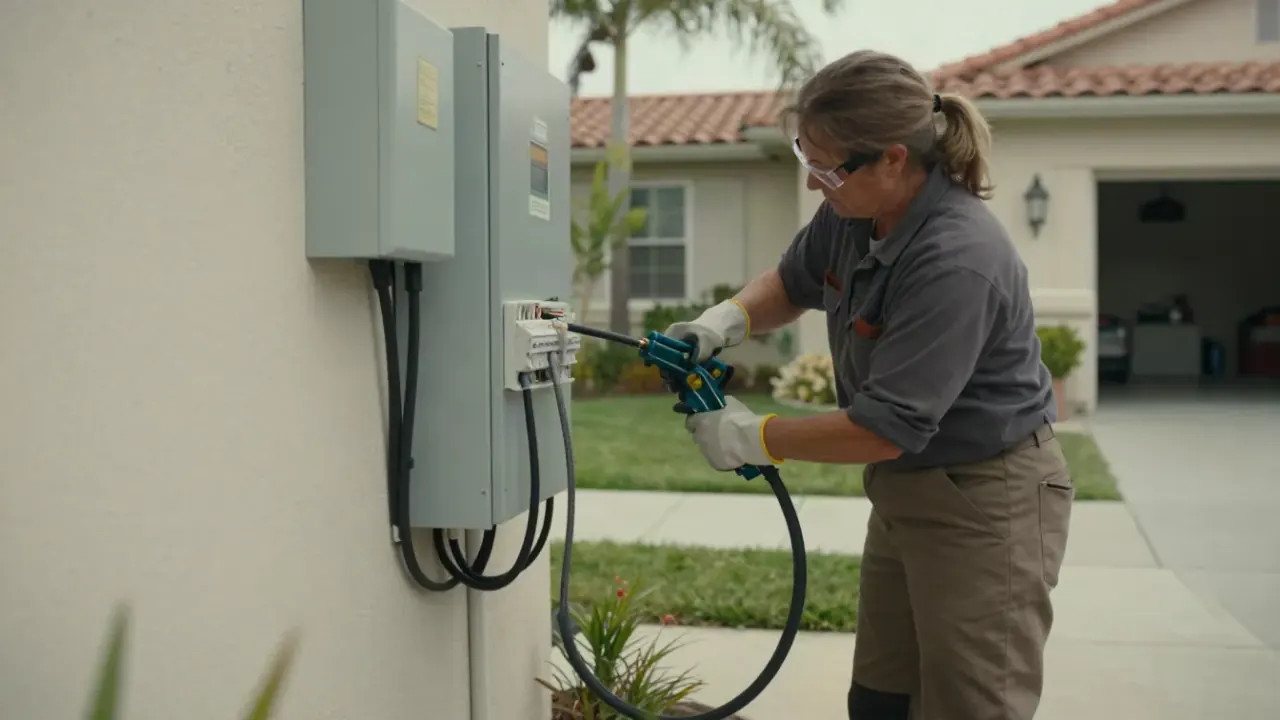
Keeps the connector off the floor and out of the way when not in use. A small detail that prevents damaged pins and dirty connectors over the life of the charger.
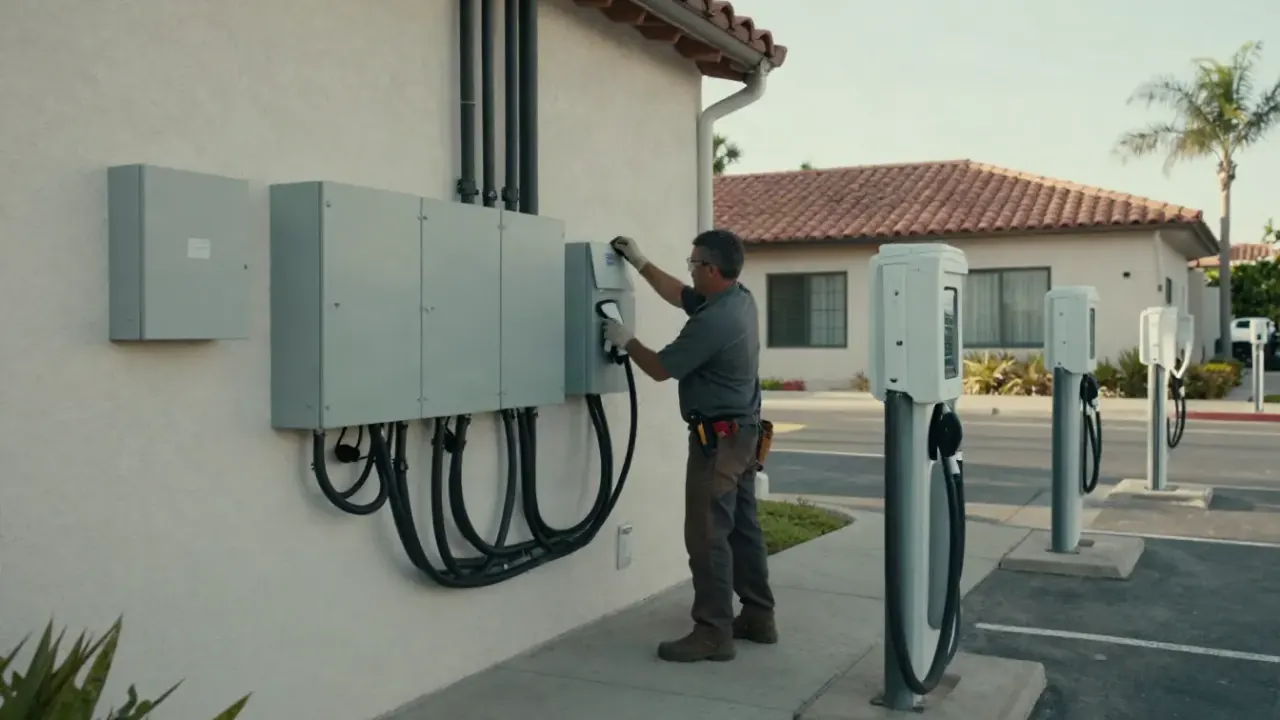
Article 625 covers EV supply equipment: circuit sizing, GFCI protection, disconnecting means, and labeling. We follow it on every install and setup so the job passes City of Redondo Beach inspection the first time.
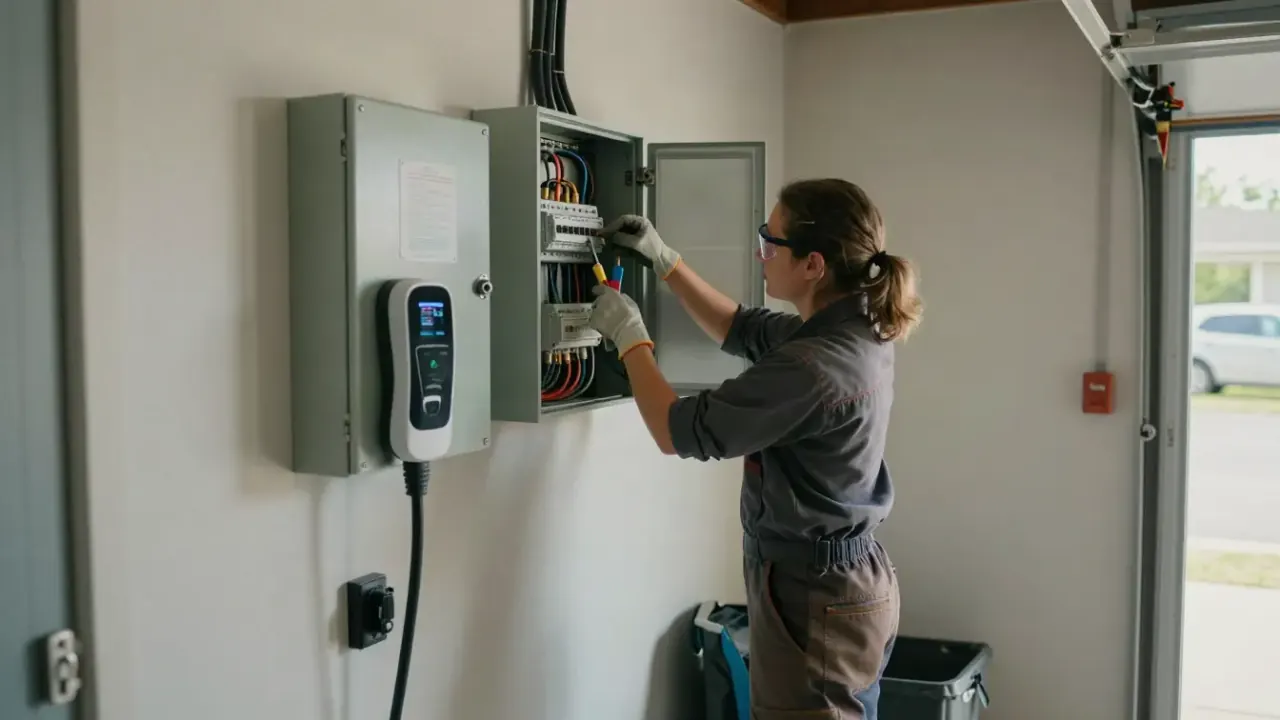
Before adding a 240V circuit, we run a load calculation on your panel. If capacity is tight, we document it and quote a subpanel or service upgrade. This prevents breaker overload the first hot afternoon you charge at full amperage.
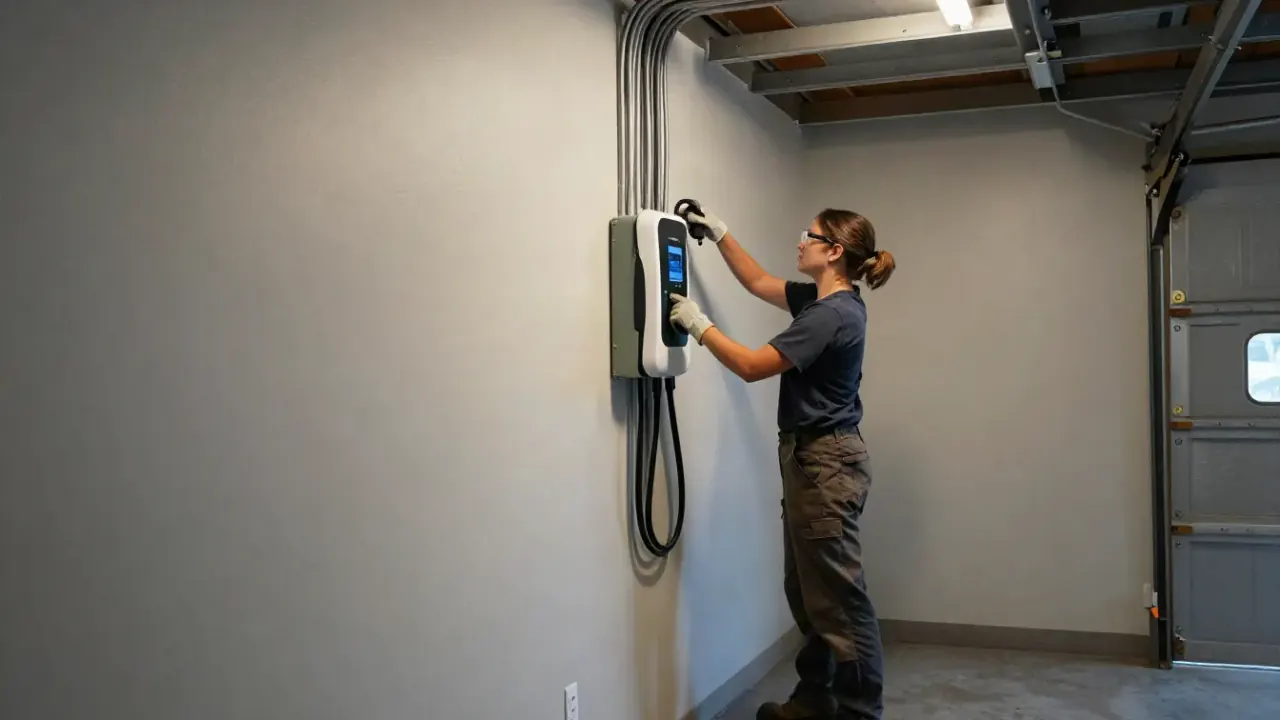
We hardwire the unit, set the internal amperage dial, pair it to your WiFi, and configure a TOU schedule for after 9 p.m. The whole visit runs 90 minutes in a typical attached garage. You charge overnight at off-peak rates and see the savings on your next statement. The Tesla app shows every session and the kWh delivered.
We check the new router band settings, re-pair the charger, and assign a DHCP reservation. If the garage signal is now weak, we add a mesh node and re-test RSSI at the mounting bracket. The charger is back online within the hour, and the app history is intact. You keep your rebate documentation and your schedule.
We install the circuit, commission the charger, and configure the cloud dashboard so the HOA can see kWh per unit. We also handle the permit and the inspection through the City of Redondo Beach. You charge at home without shared-panel disputes. The HOA gets clean usage data, and you get a networked charger that reports to your phone.
We install and commission ChargePoint or Enel X commercial units, set up load sharing, and configure the cloud dashboard for billing. Network setup is part of the commissioning, not a separate vendor. Employees charge at work, you recover costs through the billing platform, and you can see uptime and revenue from one dashboard.
Redondo Beach garages are a mixed bag. North Redondo and El Nido have a lot of 1950s detached garages with 100-amp panels, which means the signal has to cross a yard and the panel may need a load calculation before we add a 240V circuit. South Redondo and Riviera Village have more attached garages with better WiFi, but older wiring that needs a torque check and sometimes a new GFCI breaker. Coastal humidity is mild here, so corrosion is less of an issue than it is in beachfront Manhattan Beach, but we still inspect the NEMA 14-50 outlet and junction box for moisture. If you want a smart EV charger setup near me Redondo Beach that stays online through router upgrades and power outages, the network side has to be engineered, not guessed. We test RSSI, assign a DHCP reservation, and document the final reading so the next technician knows exactly what was done.
A homeowner in South Redondo upgraded to a mesh router and the Wallbox Pulsar Plus stopped connecting. The app showed offline for three weeks, so scheduled charging never ran and the car charged at peak rates.
We separated the 2.4 GHz band, re-paired the charger, and assigned a DHCP reservation. Signal at the mounting bracket went from -71 dBm to -58 dBm after adding one mesh node. The charger has stayed online since.
Keep the charger firmware current and re-check the app after any router change. If you add devices to the network, confirm the charger IP has not shifted.
A North Redondo homeowner had a 100-amp panel with no spare breaker space and a Tesla Wall Connector still in the box. Two other electricians quoted a full service upgrade.
We ran an NEC Article 220 load calculation, installed a 60-amp subpanel, and landed the 240V circuit on 6 AWG copper wire. Then we commissioned the Wall Connector and paired it to WiFi. Total cost came in under a service upgrade.
Check the subpanel breaker annually and keep the charger firmware updated. If you add a second EV, ask about power sharing before adding another circuit.
A ChargePoint Home Flex in Riviera Village tripped its GFCI breaker two or three times a week. The homeowner was ready to replace the unit. The NEMA 14-50 outlet showed heat discoloration on one blade.
We replaced the outlet, re-torqued the charger terminals with a torque screwdriver, and installed a new GFCI breaker. A 30-minute load test ran clean at 40 amps with no tripping and stable temperature.
Inspect the outlet annually for discoloration and keep the connector in the holster. If the breaker trips again, check the app fault log before calling.
Most smart charger issues are network issues, not hardware failures. We diagnose both sides before recommending a replacement, which is why so many of our calls end with a fix instead of a new unit.
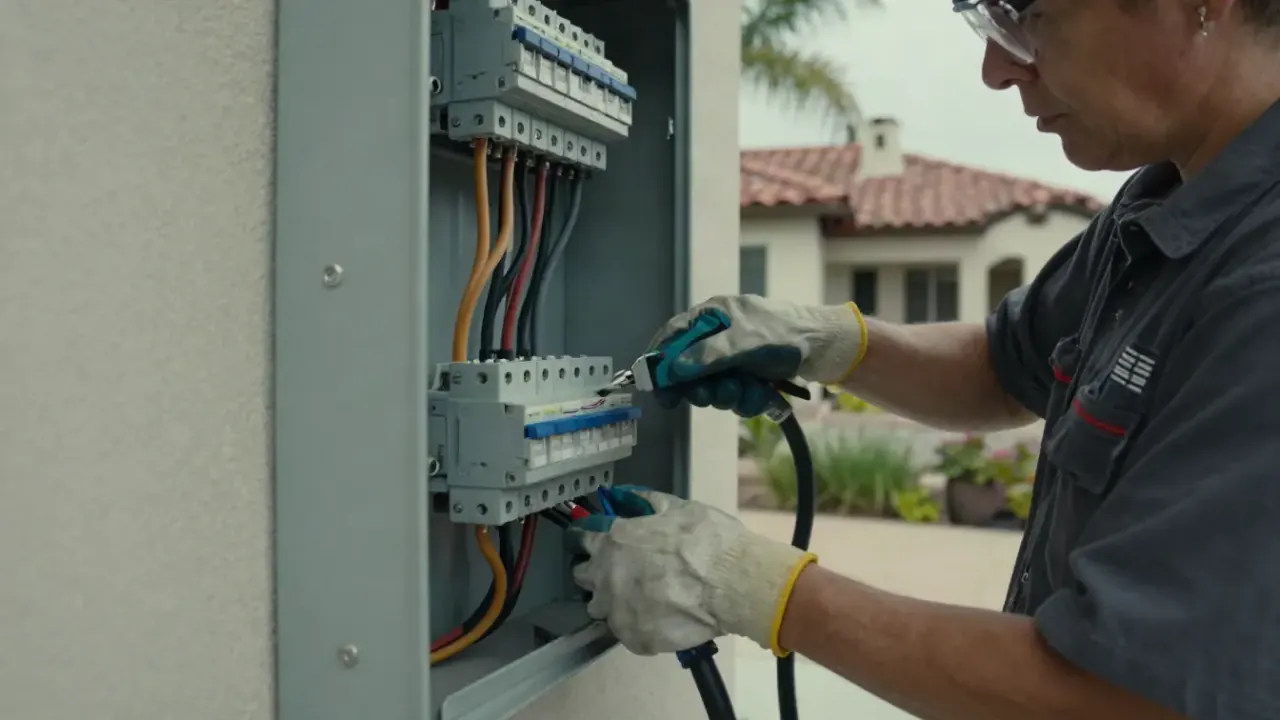
We test RSSI at the mounting bracket and check for band-steering on your router. If signal is weak, we add a mesh node or run Ethernet in conduit. Then we assign a DHCP reservation so the IP never changes after a reboot. Scheduled charging stops working, so the car charges at peak rates or not at all. You lose rebate data and the app shows stale information.
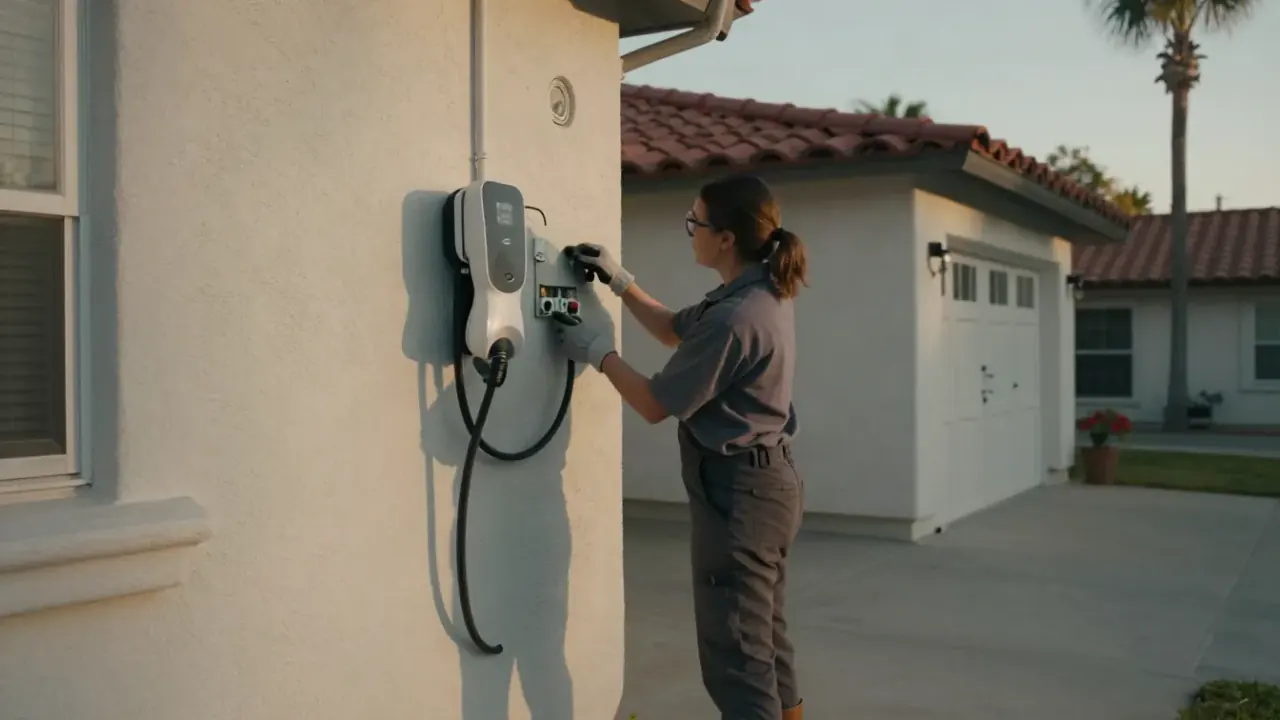
We inspect the 240V circuit breaker, check torque on the terminals with a torque screwdriver, and look for moisture in the NEMA 14-50 outlet or junction box. Ground faults and loose wiring connections are the usual causes, and both are fixable in one visit. Charging stops mid-session, often overnight. Repeated tripping can damage the charger internals and leave you with a dead unit and no rebate documentation.
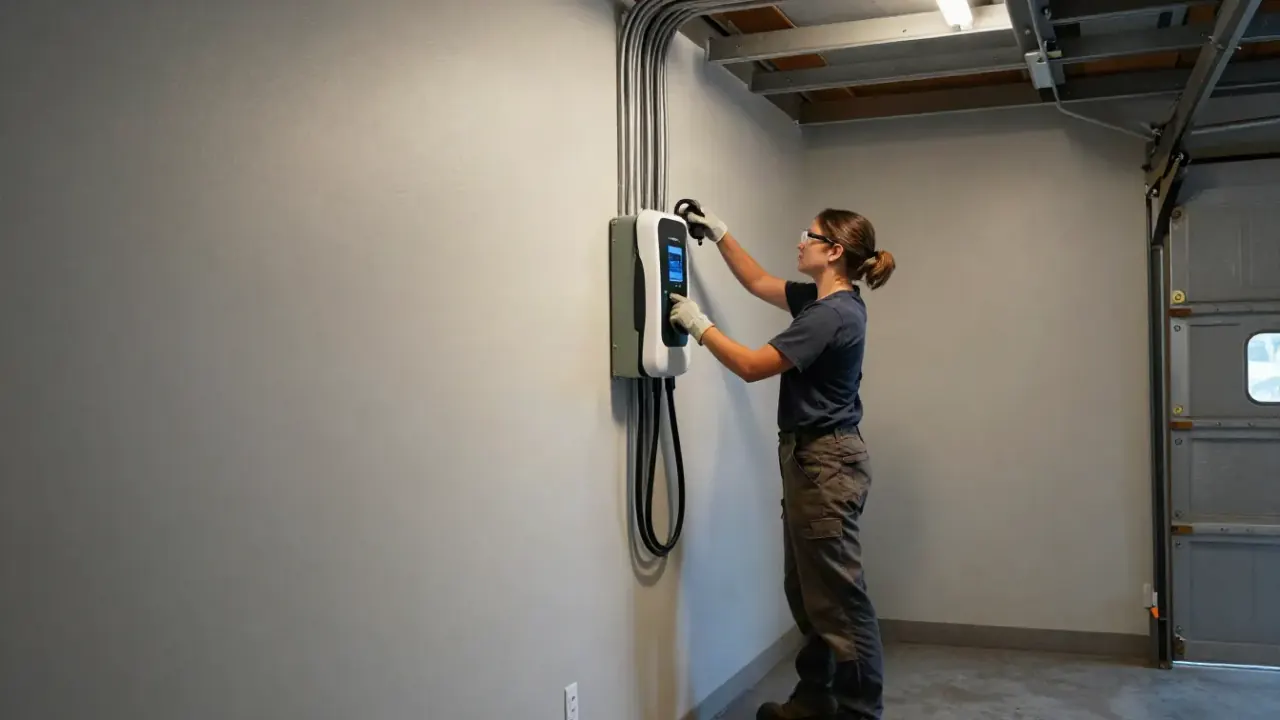
We check the J1772 or NACS connector pins, verify the pilot signal, and confirm the charger firmware is current. Sometimes the fix is a firmware update, sometimes it is a loose wiring connection inside the unit. We test with a load session before we leave. The car will not start a session even though the charger has power. You are stuck with a public station and a car that is not charging at home.
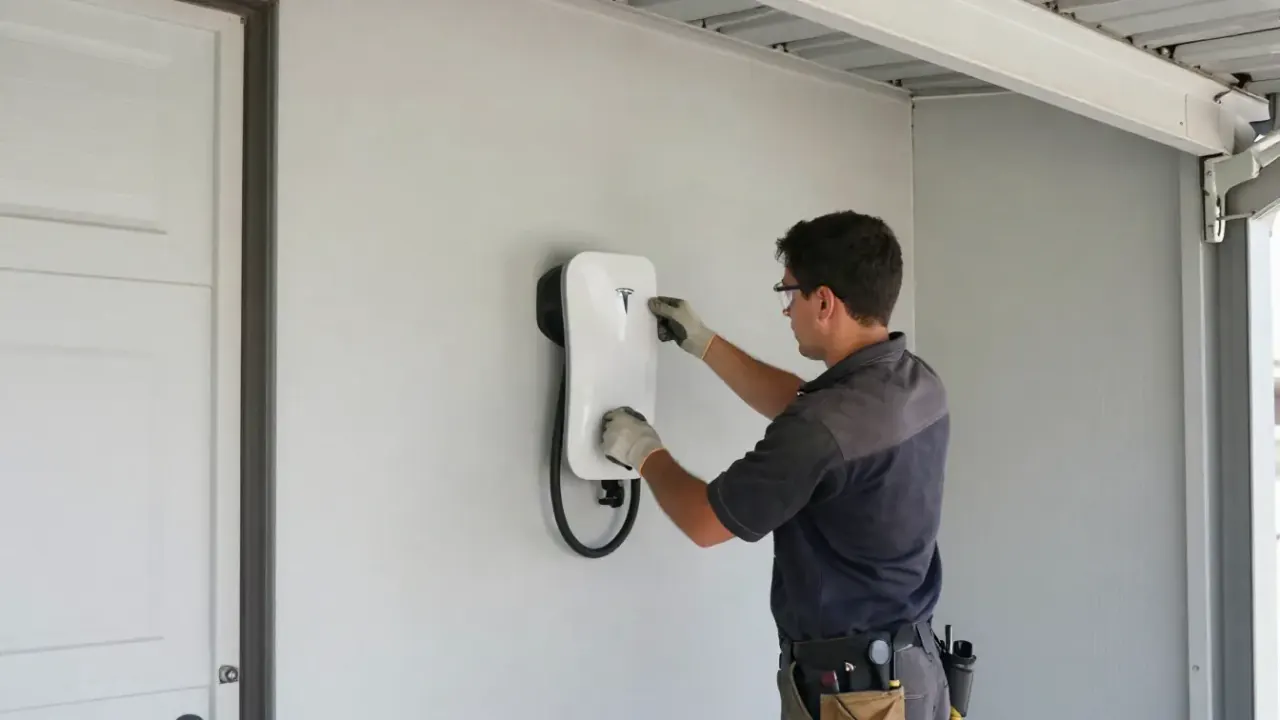
We put the charger in pairing mode, join its hotspot, and enter your 2.4 GHz credentials. Hidden SSIDs, 5 GHz-only routers, and special characters in passwords cause most failures. We stay on it until the app shows the unit online. You cannot schedule charging, cap amperage, or export rebate data. The charger works as a dumb unit, which defeats the point of buying a smart model.
You set the charge window in the app and the car pulls power when rates drop, usually after 9 p.m. or before 7 a.m. on Southern California Edison TOU-D-PRIME. That alone can cut your per-mile charging cost by 30 to 50 percent compared to peak-hour charging.
Utilities and state programs want proof of a networked, ENERGY STAR unit. Your app logs charge sessions, kWh delivered, and firmware version, which is exactly what a rebate reviewer asks for. We help you export that data for your WiFi-connected EV charger installation Redondo Beach CA paperwork.
When a charger stops communicating with the vehicle, the app usually tells you first. Fault codes, ground fault events, and voltage drop warnings show up in the dashboard before the unit goes dark. That saves a truck roll and gets you back to charging faster.
Tesla, ChargePoint, Enel X, and Wallbox push over-the-air updates that add load management, solar pairing, and TOU presets. A charger that never joined the network never gets them. We confirm the update channel is live and the unit is on current firmware.
Setup pricing in 2026 depends on three things: whether the circuit already exists, how far the charger sits from the router, and whether the panel has capacity. A straightforward pairing and app walkthrough on an existing circuit runs $180 to $450. If we need to run a new 240V circuit, install a subpanel, or add a mesh node or Ethernet drop, the job moves into the $650 to $1,400 range. We quote the full scope upfront, including permit fees, so there are no surprises on the invoice.
What your estimate is based on
$180 - $1,400 depending on scope A networked charger lets you schedule off-peak charging, which can cut your per-mile cost by 30 to 50 percent. It also produces the usage data most rebate programs require. The setup pays for itself over the first year of charging.
Clear records you can keep and share.
Charger IP, firmware, breaker size
Schedule, history, fault log
RSSI logged at the mounting bracket
Most chargers only see a 2.4 GHz network, not 5 GHz. And a changing IP address will drop the unit offline after a router reboot.
Most EV chargers cannot join a 5 GHz SSID. If your router uses band steering, separate the bands before pairing. This one setting causes the majority of app pairing failures.
A DHCP reservation keeps the charger at the same address after every reboot. Without it, the app loses the unit and scheduled charging stops. We set this on every job.
Router signal in the kitchen is not signal at the garage wall. We measure RSSI at the mounting bracket and require better than -65 dBm before pairing. If it fails, we add a mesh node.
Outside these areas? Call and ask, we may still cover you. (310) 294-5464
Typical 2026 pricing runs $180 to $450 for setup alone, and $650 to $1,400 when a new 240V circuit or subpanel is part of the job. Network fixes like a mesh node or Ethernet drop add $120 to $350. If your panel needs an upgrade, that is a separate scope and we quote it upfront before any work starts.
You connect through the manufacturer app, not the car. Put the charger in pairing mode, join its temporary hotspot, then enter your 2.4 GHz network credentials. Most units will not see a 5 GHz SSID. If pairing fails twice, the usual culprits are a hidden SSID, a router band-steering setting, or weak signal at the garage wall.
We do. Redondo Beach EV Charger Installation handles the electrical circuit, the permit, the WiFi pairing, and the app walkthrough in one visit. We cover North Redondo, South Redondo, Riviera Village, The Avenues, El Nido, Golden Hills, and nearby Manhattan Beach and Torrance. Call (310) 294-5464 to schedule.
Yes, once the charger is on your network. You can start and stop sessions, set off-peak schedules, cap amperage, and read kWh history from your phone. Tesla, ChargePoint, Wallbox, Enel X, and Emporia all support this. If your unit is offline, the app usually shows the last fault code, which speeds up the fix.
We verify the circuit, pair the charger, and walk you through the app in one visit. Same-day quotes, permit pulled through the City of Redondo Beach, and a written summary when we finish. Call (310) 294-5464 and tell us your charger model and router band.
Call us at (310) 294-5464 or send a note and we will get back to you the same business day. Tell us the car, the charger you want, and where it is going, and we can often give you a ballpark before we drive out. We are in Redondo Beach, California and work Los Angeles County daily.